
Description
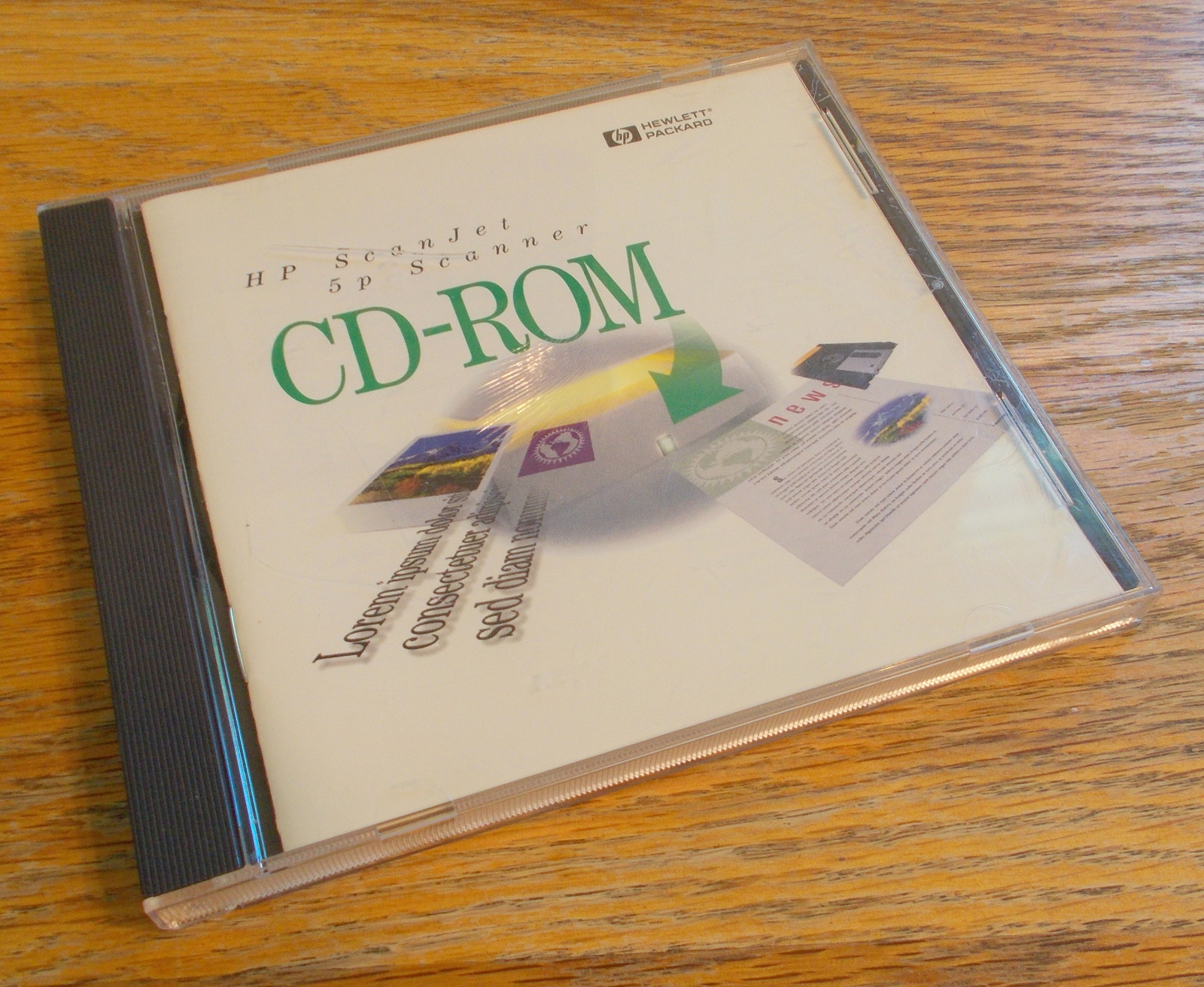
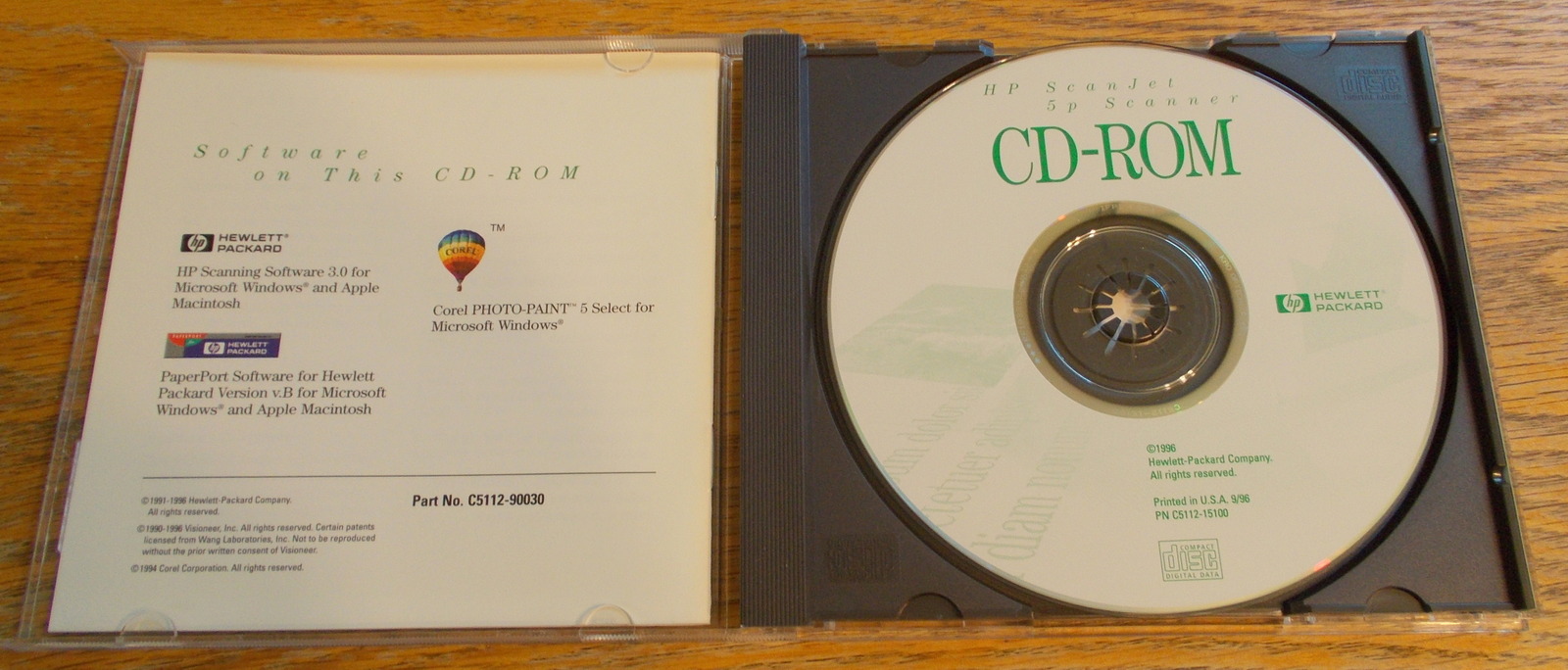
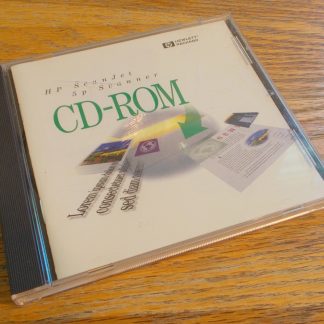
Up for sale is a downloadable ISO image file of the install CD which originally came with an HP ScanJet 5P from 1996. You do NOT get the disc, only a download of an image file of the disc. Just download the zip file, extract the ISO file, and burn the image. The download link is set to expire after 7 days. File size of the .zip file for download is 40.1 MB (42,146,990 bytes) and the file size of the uncompressed .iso image file is 48.0 MB (50,354,176 bytes).
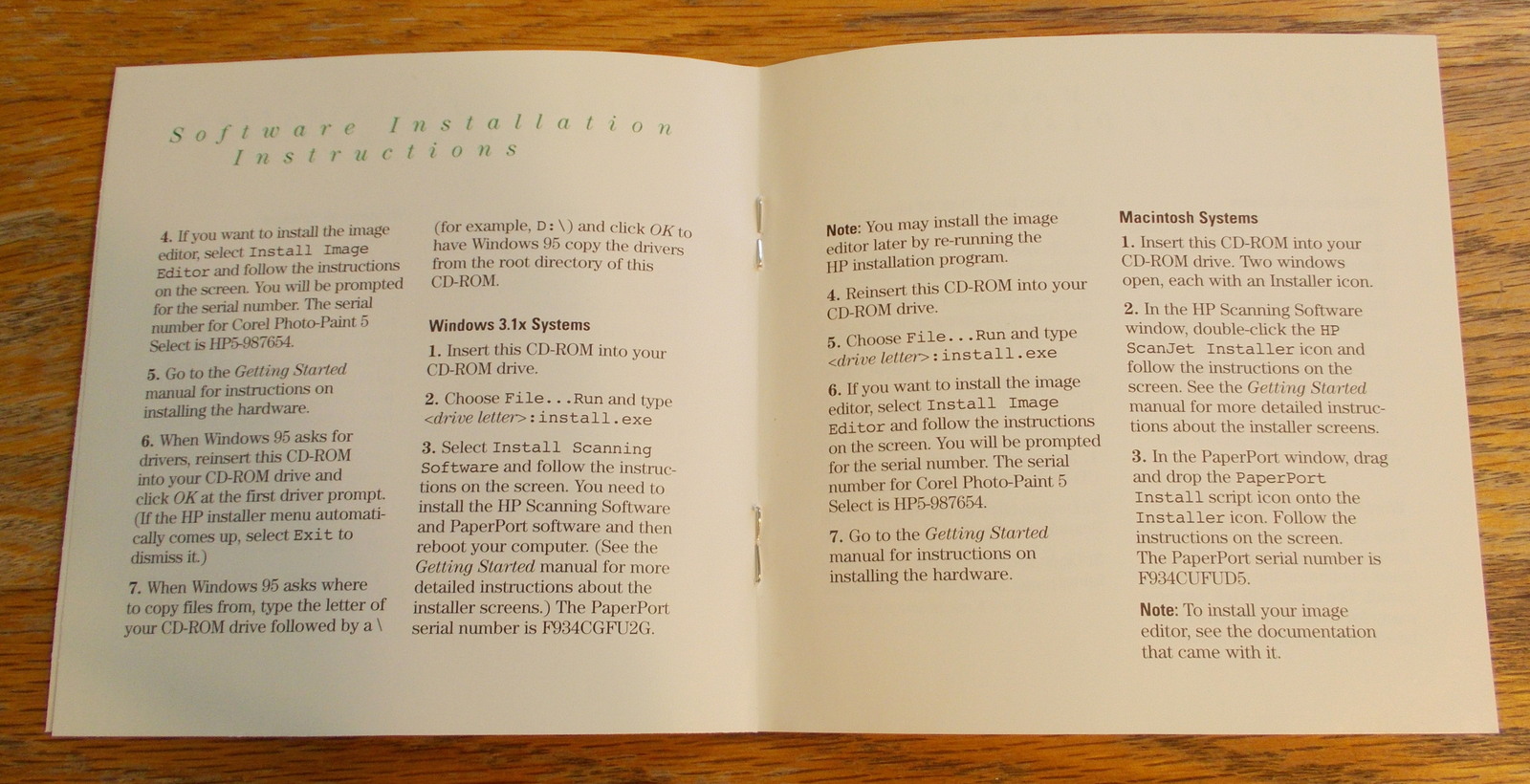
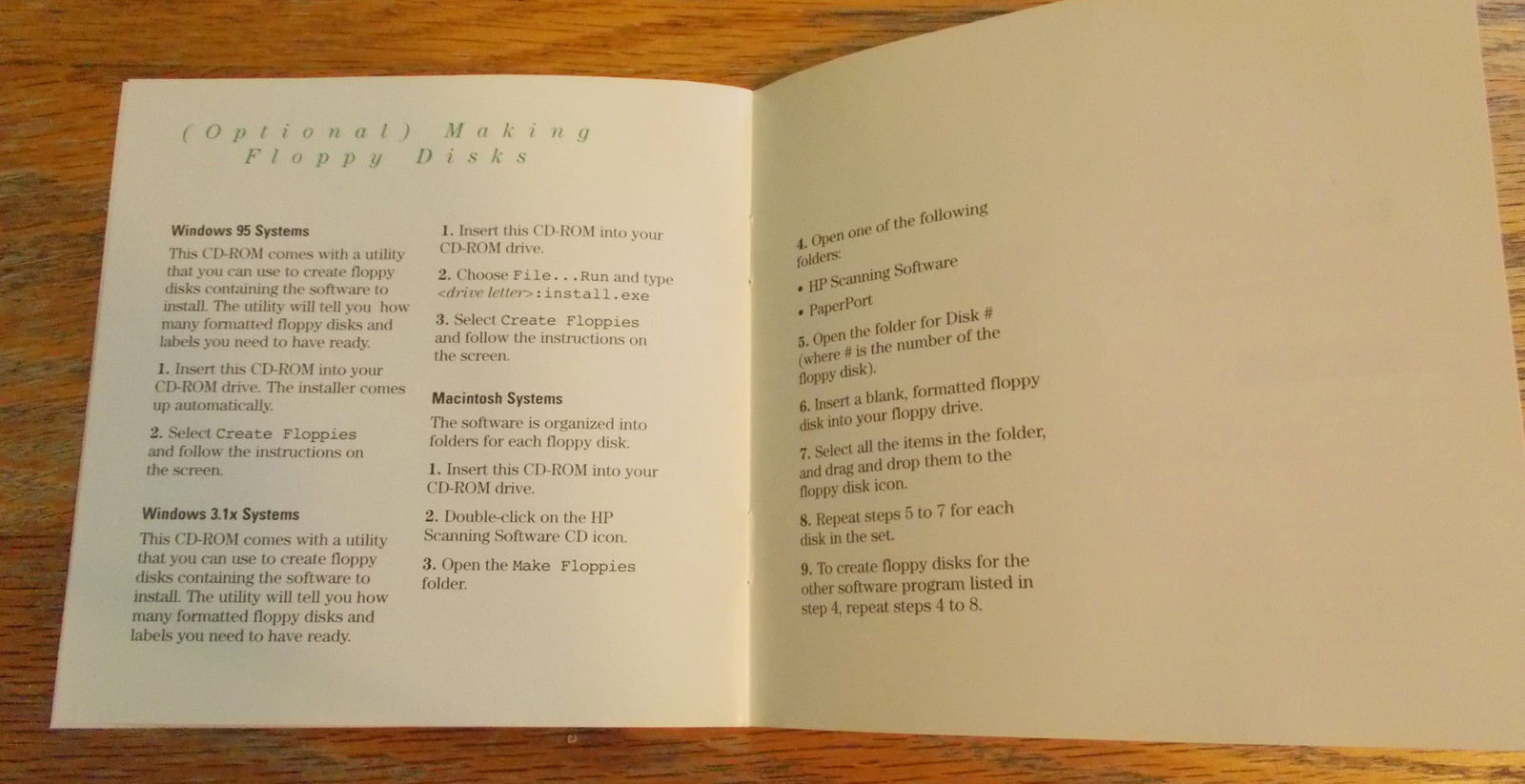
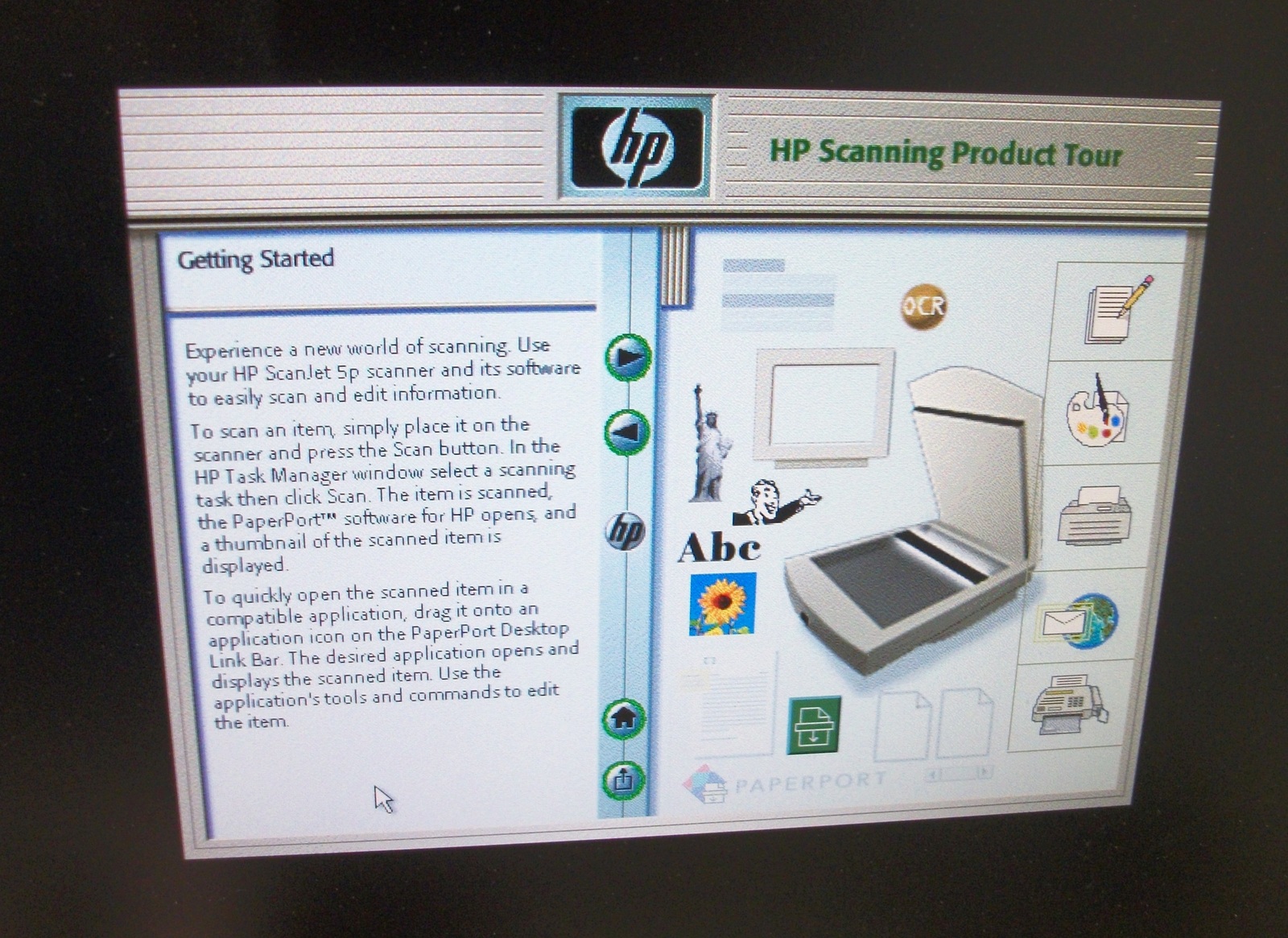
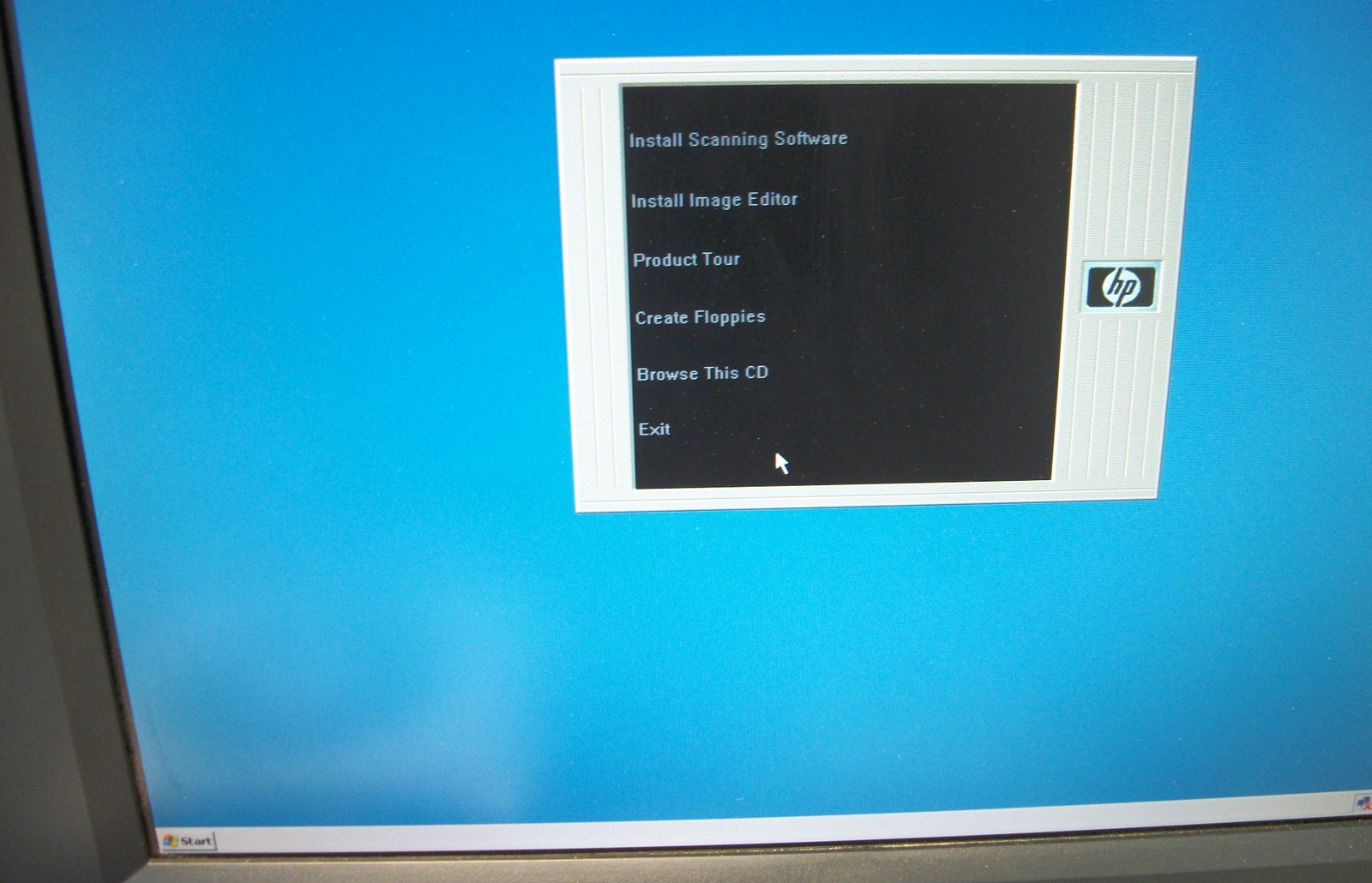
The disc would NOT run under Windows 10. So, we found the oldest system we could which was a Windows XP machine and the auto run ran and the ‘Product Tour’ (made with Macromedia Flash) also ran, but when we clicked on ‘Install’ – it locked up. This is from 1996 and should be compatible with older MacOS, Windows 95, and 3.1 and may or may not be compatible with newer operating systems – purchase at your own risk for any newer operating systems! According to the instruction booklet (included), if you don’t have a CD-ROM drive, you can find a friend who does have one and create floppy install diskettes from the CD.
These scanners had an easter egg where they would play Beethoven for you.
This is for use with HP ScanJet 5P
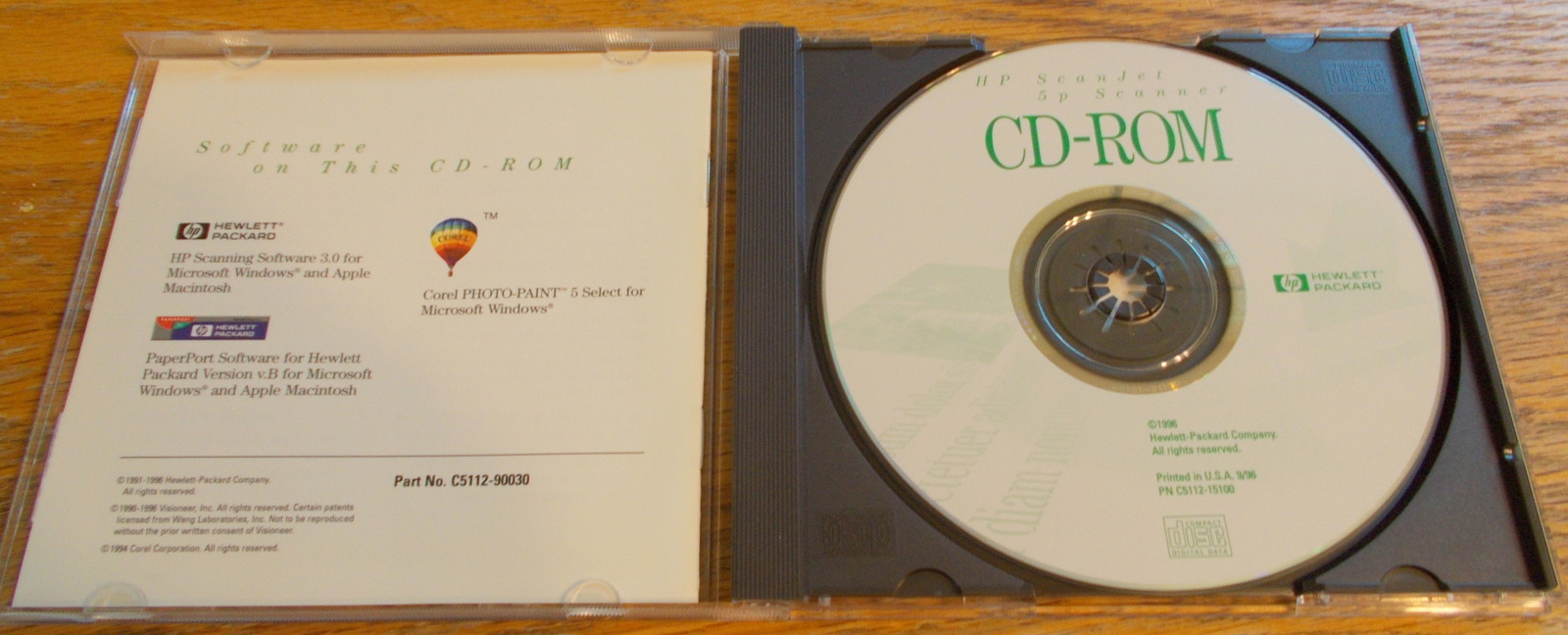
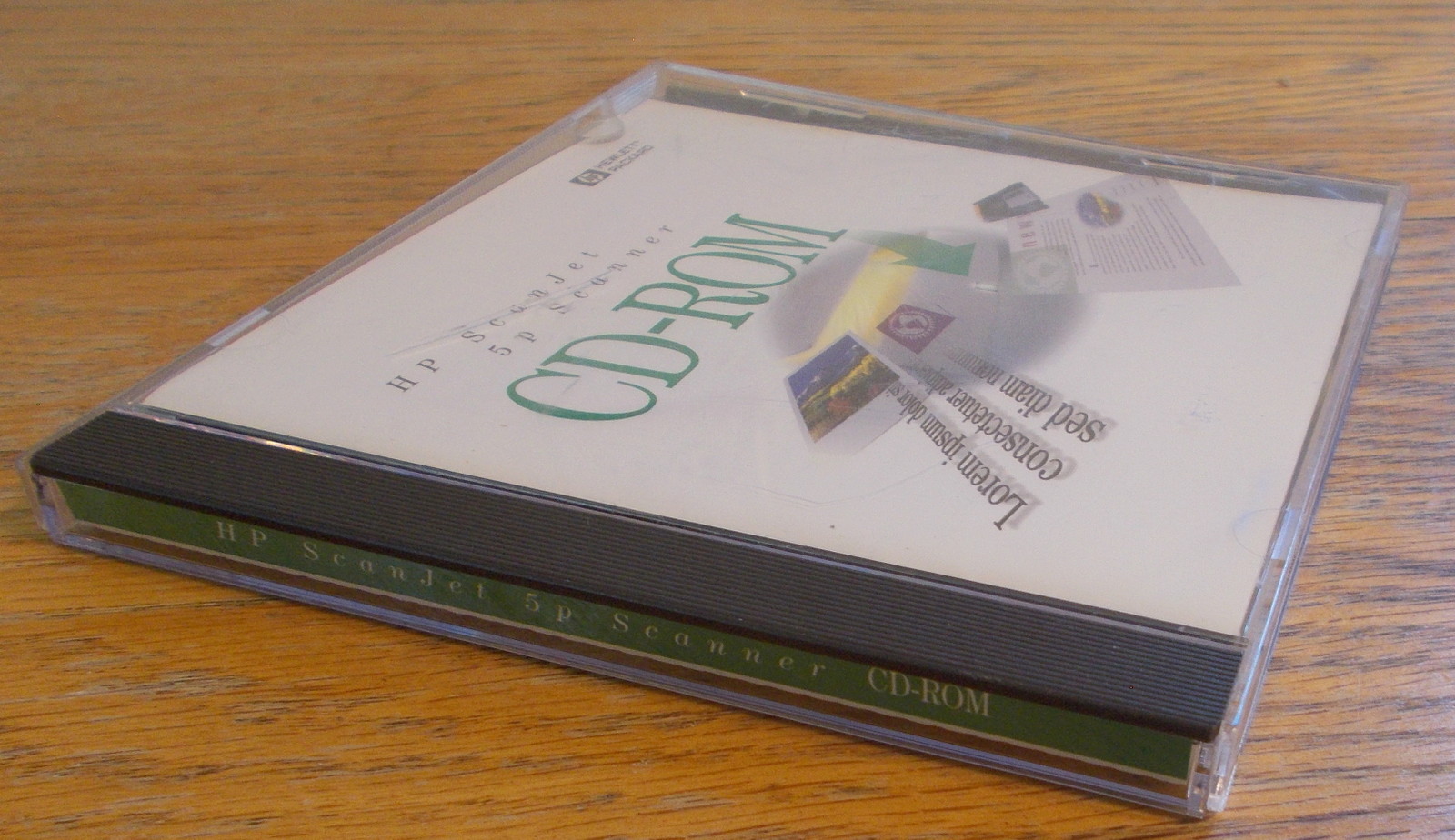
- HP ScanJet 5p Scanner CD-ROM
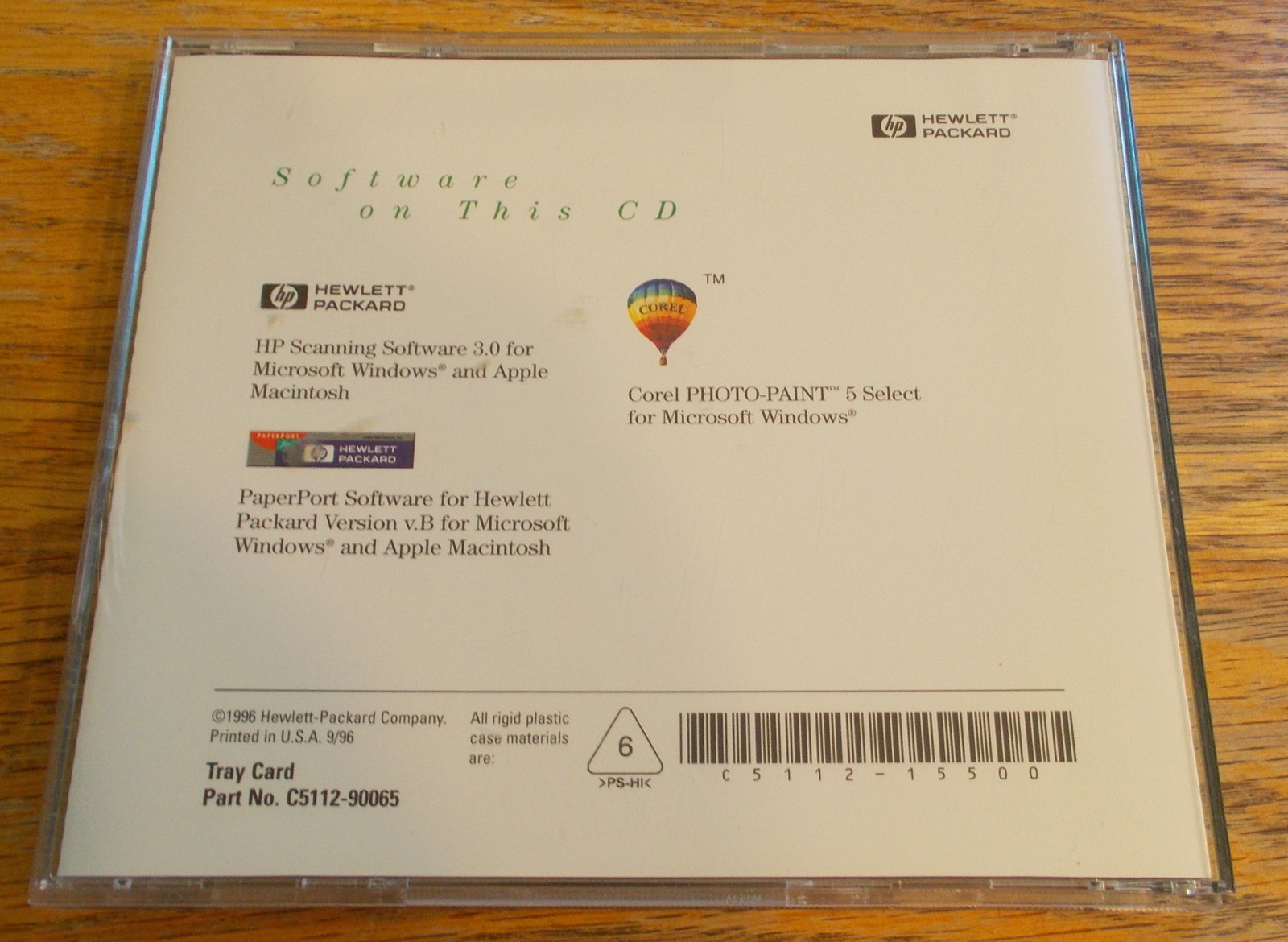
- C5112-15500
- C5112-15100 – 1996
- Printed in U.S.A. 9/96
- HP Scanning Software 3.0 for Microsoft Windows and Apple Macintosh
- Corel PHOTO-PAINT 5 Select for Microsoft Windows
- PaperPort Software for Hewlett Packard v.B for Microsoft Windows and Apple Macintosh
- Label Print
- You Cam
- Norton Internet Security [60 Days]
YOU DO NOT GET THE CD! You must download the .zip file and make your own CD!
Reviews
There are no reviews yet.